How to Install WordPress with Docker Compose (Step by Step)

Hi! My name is Safia Khatoon. I am complete my Bachelors in Technology from RTC Institute Of Technology. My specialisation in Computer Science and Engineering.I love contributing to Open Source with the help of the skills I gain.
Also, I'm working on my YouTube Channel as well where I teach about DevOps tools and make technical content. You can have a look at it through my profile.
Feel free to reach out to me! I'd be happy to connect with you.
Step 1: Installing Docker Engine:
apt-get install apt-transport-https curl ca-certificates curl software-properties-common -y
curl -fsSL https://download.docker.com/linux/ubuntu/gpg | apt-key add -
add-apt-repository "deb [arch=amd64] https://download.docker.com/linux/ubuntu focal stable"
apt-get install docker-ce -y
docker --version
Step 2: Installing Docker Compose:
curl -L https://github.com/docker/compose/releases/download/1.29.2/docker-compose-Linux-x86_64 -o /usr/local/bin/docker-compose
chmod +x /usr/local/bin/docker-compose
docker-compose --version
Step 3: Setting Up YML File:
mkdir wordpress
cd wordpress
vim docker-compose.yml


Step 4: Building WordPress Container:
docker-compose up -d
docker-compose images
docker-compose ps
docker-compose logs wordpress
docker-compose logs database
Step 5: Getting Access to WordPress Website:

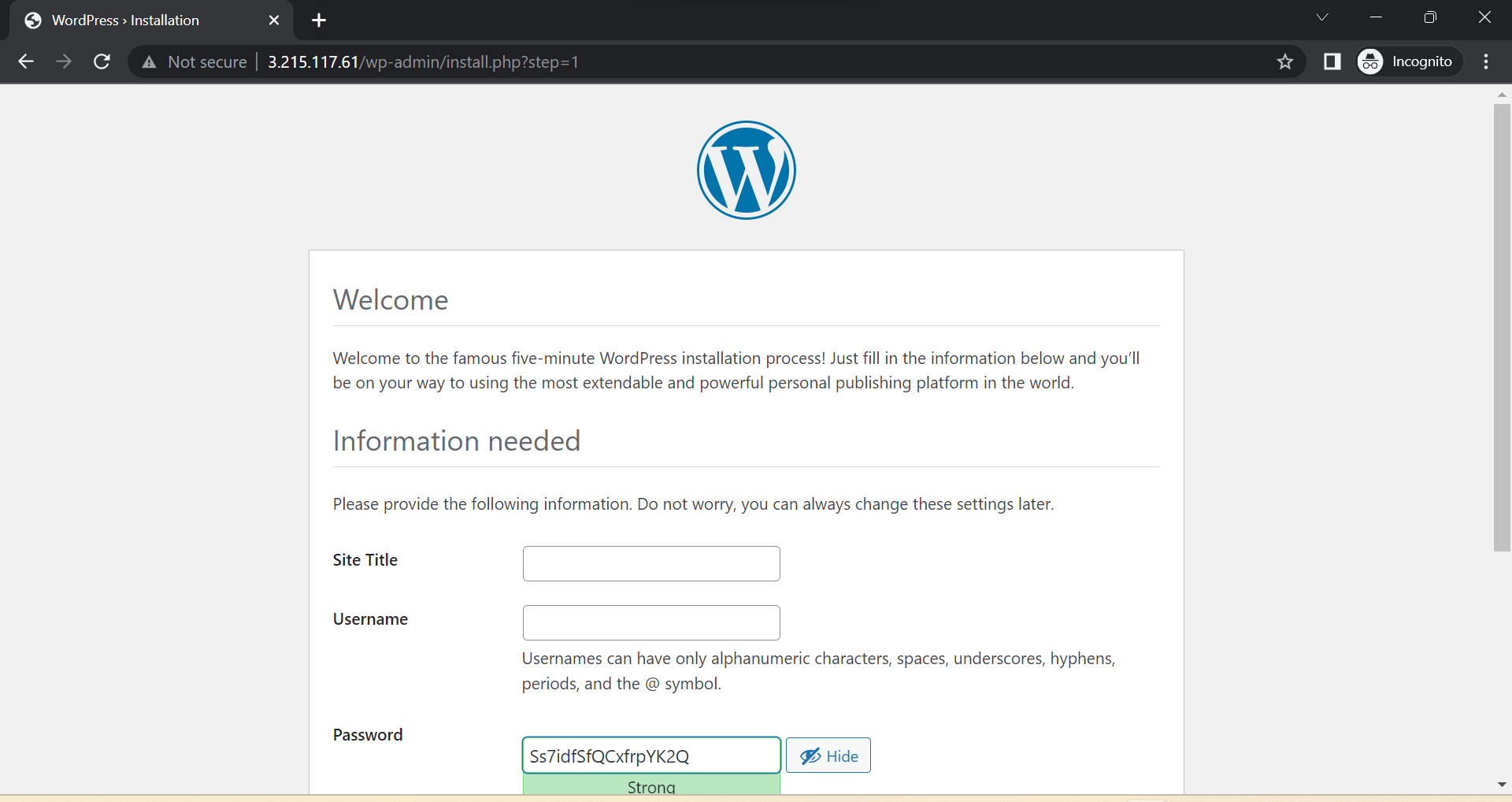


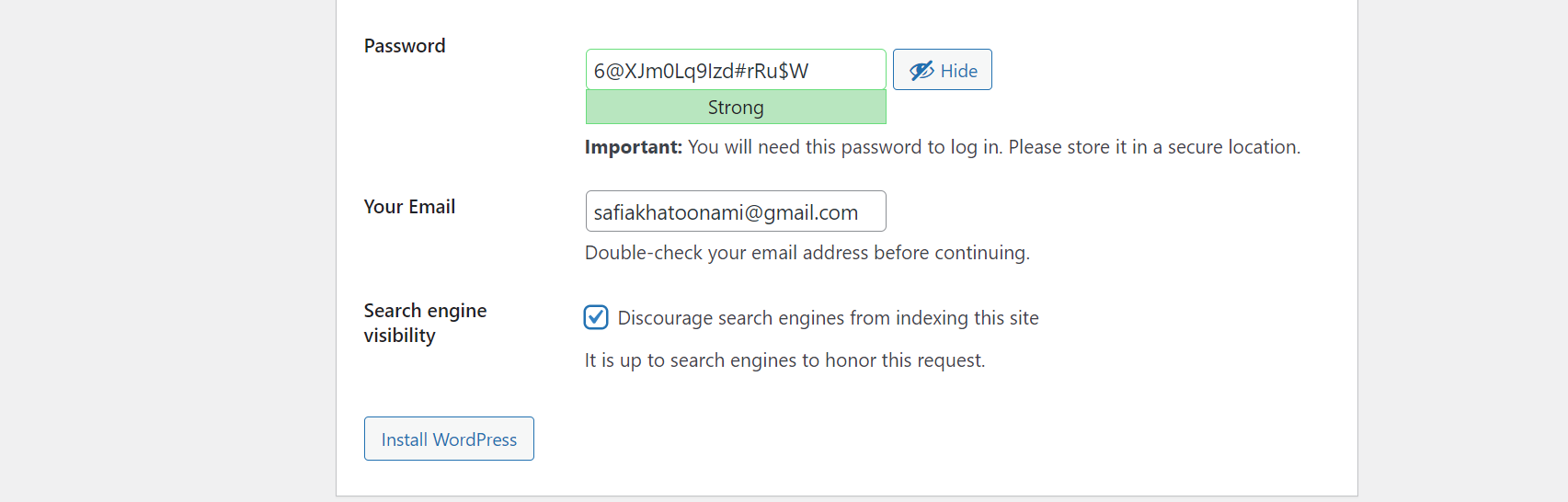


docker-compose.yml file
Thank you for reading this blog🙏
I hope it helps 💕
— Safia Khatoon
Happy Learning 😊